By:  Autumn Jager
How-To Guides: Logging into Zoom
Our virtual environment is rapidly becoming a norm, and Zoom has become a staple for online communication. Luckily, all Miami students have a Zoom account through their Miami email address.
Log Into Zoom Using Your Miami Credentials
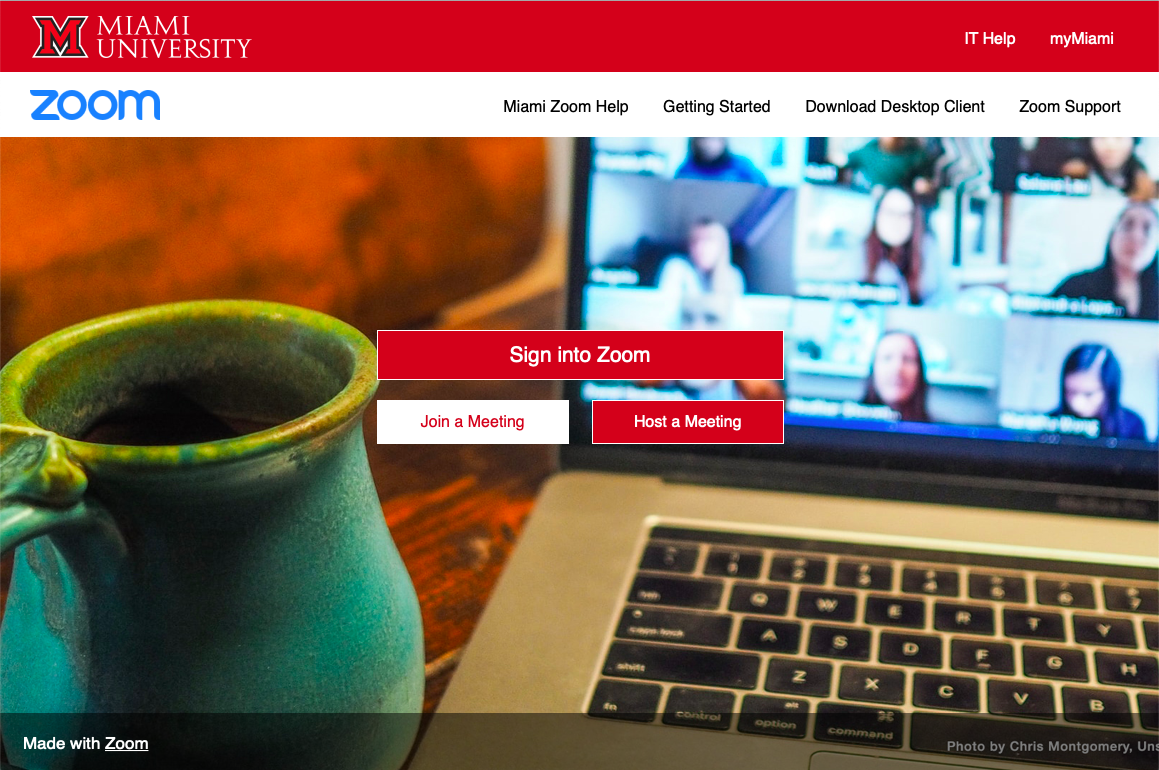
- Go to miamioh.zoom.us
- Click "Sign into Zoom". You'll also have the option to directly join a meeting from here if you have your Meeting ID and Password.
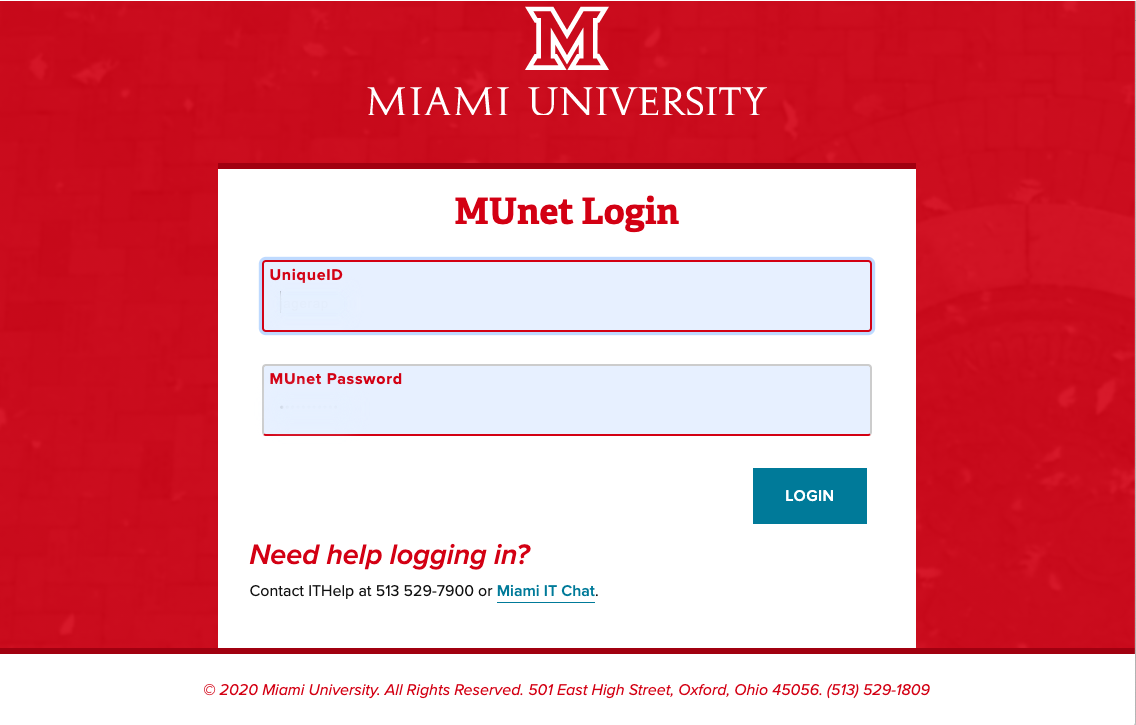
- Once you click "Sign into Zoom," you'll be prompted to enter your MUNet Login information, and you'll need to complete the two-step verification process, Duo.
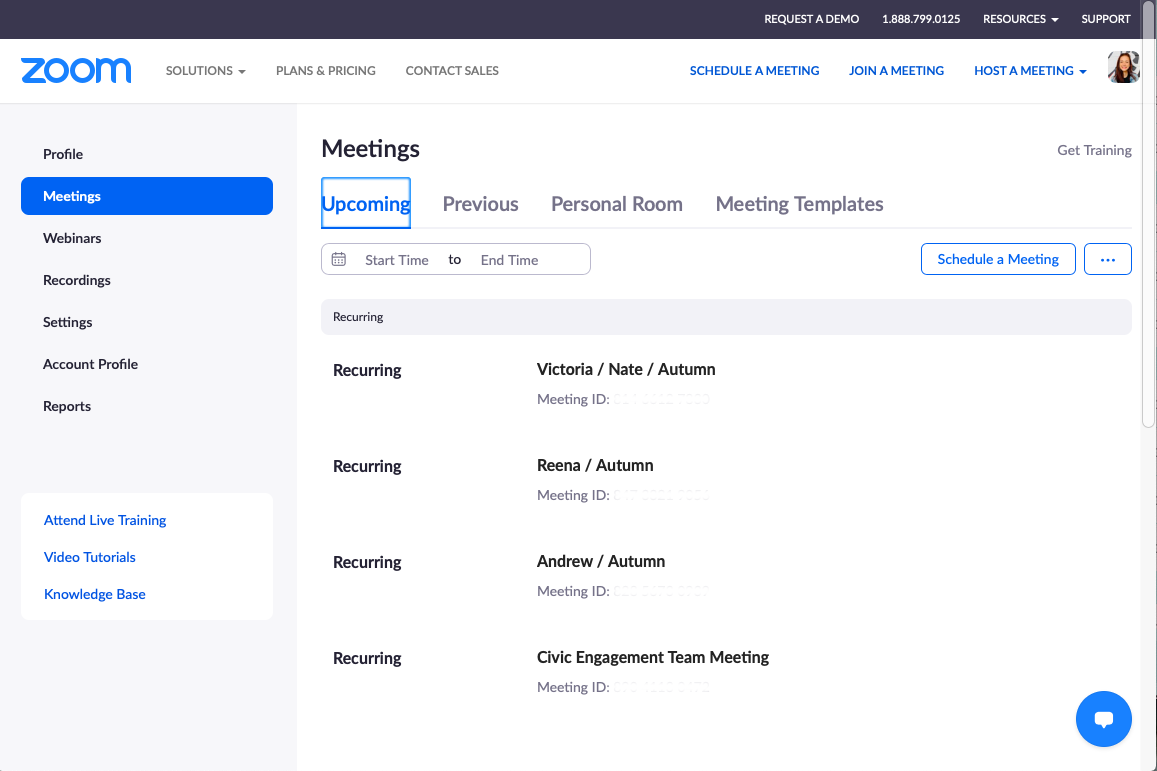
- This will log you into your Miami Zoom account. From here, you can schedule your own meetings, as well as join meetings with the Meeting ID and Passcode. You can also update your profile, and adjust the settings that Miami gives you access to.