
Find and Join Organizations
Find organizations that match your interests.


Miami Central is your hub for getting involved, staying connected, and making the most of your Miami experience. Whether you’re looking to meet new people, explore your interests, build your resume, or just find something fun to do, Miami Central helps you make it happen.
Explore what Miami Central can do for you!
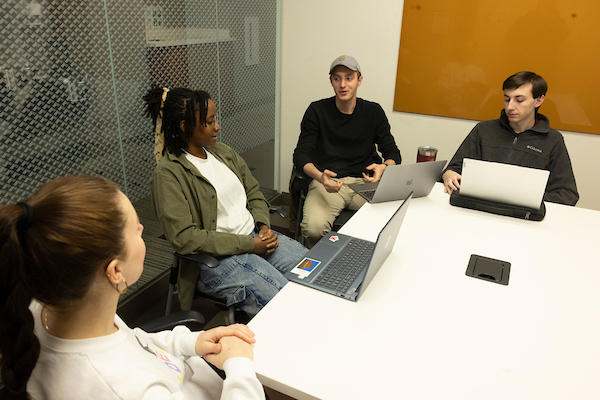
Organization officers use Miami Central to take care of org business, including managing their roster, sending emails, sharing documents, and managing events (starting in summer 2026).

Find things to do based on what you are specifically looking for.
You’ll get recommendations based on the interests you select.

Explore student organizations, connect with others who share your interests, and build your community at Miami.

Keep a record of your experiences, leadership roles, and service hours, all in one place.


Create and manage events, support student organizations, track participation, and connect students with meaningful experiences.

View public events and stay connected to what’s happening at Miami.
Miami Central is rolling out in phases. Some features are available now; others will be coming soon.
Miami Central brings together features that may have previously lived in multiple systems, including:
Now, you can access all of this in one place. Additional systems may also be replaced as new features come online.
Are you ready to get started?

Your access is based on your current status at Miami and is updated quarterly. If you are new to Miami, you may need to be manually added; please contact StudentLife@MiamiOH.edu from your Miami email address to let us know.
Group tags are meant to assist potential members in finding your group. Read about what each tag means and find the most relevant tag(s) for your group.
Login to Miami Central and select your profile icon from the top right corner of the screen. Select edit profile to update your profile, and don't forget to go through all the tabs at the top of the screen (e.g., academic, interests, social media, etc.).
Login to Miami Central and select your profile icon at the top right corner of the screen. Select notification settings from the menu. There you can modify your notifications based on group, position, and platform (e.g., web vs. mobile app).
Login to Miami Central and select the Groups tab from the menu. Select the + All Groups button to review a list of all available groups, and use the group categories to help you narrow down your search.
Select the checkbox next to the groups you want to join, if available, and then click the Join button at the bottom of the page. Depending on the group's setting, you may be admitted immediately or need to wait for an officer to validate your membership.
Looking for tutorials? The CampusGroups Support Desk offers a wide array of detailed how-to articles. Topics include user profiles and settings, events, groups, and more.
Additionally, the vendor provides video and written tutorials to help users navigate various situations:
Navigating Miami Central should be a seamless experience, but if you encounter any issues, please let us know! You can also reach out to StudentLife@MiamiOH.edu.
Miami Central is designed to be a safe, engaging space for the Miami community. Administrators do not actively monitor group chats and forums, but content shared in group channels may be reported by users and reviewed by university administrators to ensure community standards are upheld.
Direct messages are private and not monitored. However, Miami administrators may request message content from the vendor when there is a legitimate institutional need (such as a Title IX or student conduct investigation).
By using Miami Central, users acknowledge that activity on the platform may be subject to review in accordance with university policies. For more information, please refer to Miami University Privacy Statement.
The Division of Student Life creates transformational opportunities, inclusive environments, and meaningful connections that maximize student growth, learning, and success.