
Workday for Faculty and Staff

Below, Miami University faculty and staff can find information about Workday Platform and Student, including demo opportunities, answers to frequently asked questions, timelines, and more.
I am someone who...




Workday’s capabilities will allow for streamlined administrative tasks and enhanced teaching experience. Faculty will use Workday Student to:
- Access class rosters and student information
- Submit grades and attendance
- Advise students and monitor their degree progress (if applicable)
- Manage course schedules
Workday’s integrated platform will improve collaboration across departments and enhance service to students. Staff will use Workday Student to:
- Support student services, such as registration and billing
- Manage academic scheduling and course offerings
- Process student records and transcript requests
No, Workday is one unified system. We are adding student-focused functionality within Miami’s existing Workday system. Users with access to student functionality will find those items within the same Miami Workday platform they are use today.
Yes, Workday Student prioritizes data security and confidentiality to protect the privacy of student information. The system utilizes encryption, access controls, and other security measures to safeguard data against unauthorized access or breaches.
Miami is currently live on Workday Platform, which houses the university’s HR, payroll, and financial functions. Workday Student will be introduced in phases and is slated for final completion in the fall of 2027. Visit our Workday Student Timelines page for specific dates.
In September of 2025, university leadership determined that it would be in Miami’s best interest to extend the project timeline by one year. This means that Workday Student functionality will be rolled out in phases over the course of the 2026-27 academic year instead of the originally planned 2025-26 academic year.
This decision came following extensive discussions surrounding the need for additional capabilities beyond what Workday currently provides, specifically in relation to the critical function of awarding financial aid. The timeline extension will provide our implementation team the time needed to focus on developing the functionality required to provide the experience expected by our campus community.
This decision came following extensive discussions surrounding the need for additional capabilities beyond what Workday currently provides, specifically in relation to the critical function of awarding financial aid. The timeline extension will provide our implementation team the time needed to focus on developing the functionality required to provide the experience expected by our campus community.
Miami’s admission office will be the first to begin completing student-focused tasks in Workday, followed by the registrar, advising, and bursar.
Students who plan to enroll in courses for the 2027-28 academic year will begin using Workday in the spring of 2027 in preparation for their advising sessions and 2027 Fall Semester registration.
All students starting at Miami for the 2027 Fall Semester will begin using Workday in the summer of 2027 when they complete their class registration. By this time, Workday is anticipated to be the Student Information System used by all Miami students, faculty, and staff.
Miami is committed to ensuring that all students, faculty, and staff have access to training and are thoroughly prepared before Workday Student launches. Training courses, including in-person and virtual options, training videos, and step-by-step guides will be made available.
For inquiries about the Workday Student implementation, contact WorkdayInfo@MiamiOH.edu. For any HR, finance, or payroll related issues, submit a Workday support ticket to receive assistance.
Workday Student Demos
Faculty and staff are invited to engage with Workday demos.
Demos are early access system demonstrations, covering everything from courses and course sections to student support tools.
You can also view answers to questions frequently asked about the demos on our Demos page.
Impacted Miami Systems
With Miami’s transition to Workday, where and how you complete tasks may look a little different. Be sure to review the systems that will have their functionality replaced by Workday Student.
Workday Terminology
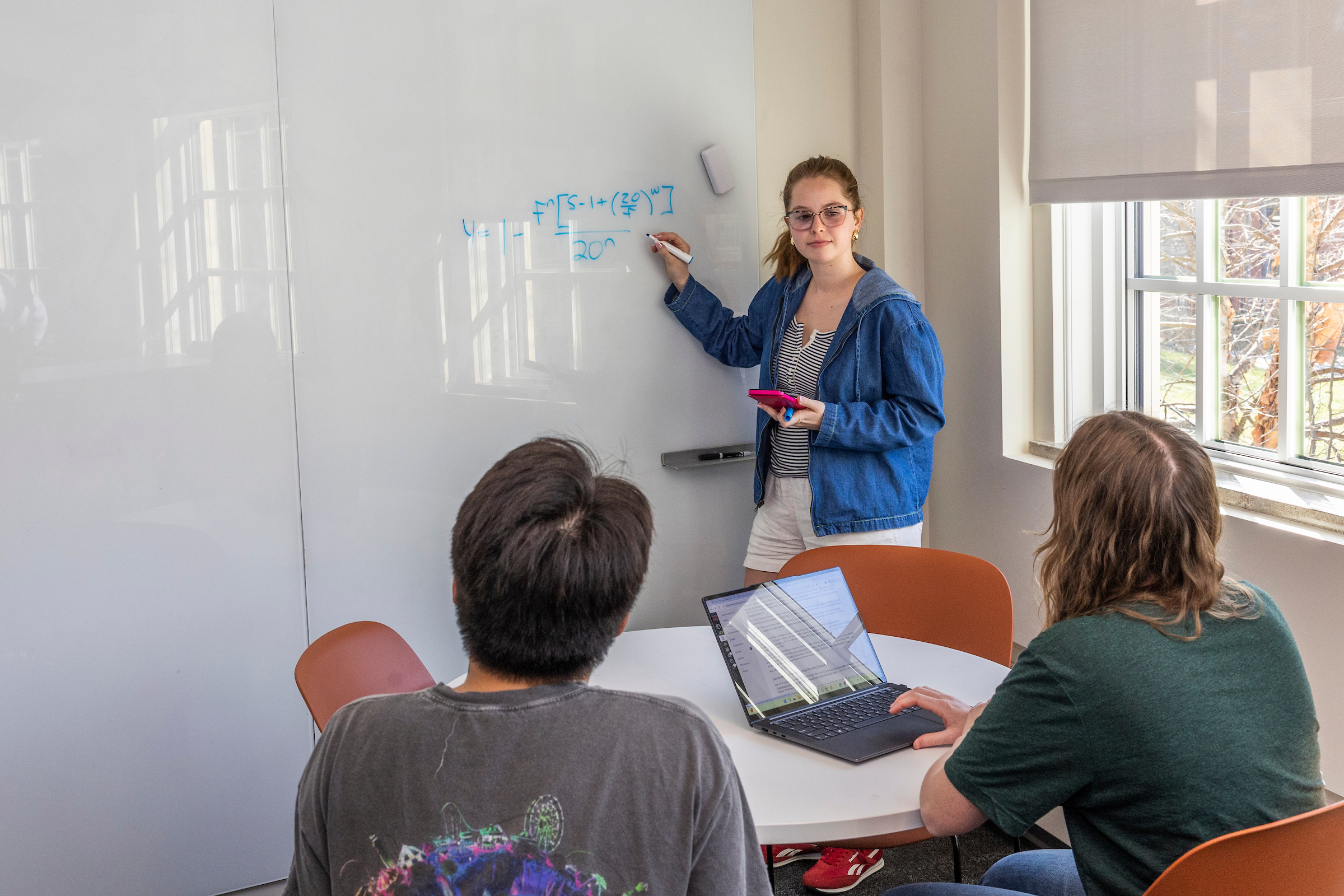
Do you know your Workday terminology? Review the common terms you will hear surrounding the Workday transition. Also, explore the differences in terminology between Workday and Banner.
How Can I Learn More?
As the Workday project progresses, relevant information will be shared on this website, in Cornerstone, and through many other communication channels.
We have established a network of Workday Change Champions, individuals who will work together to help champion communication, engagement efforts, training, and overall strategy. Change Champions from every functional area of the university help ensure broad engagement and two-way communication to help realize a successful Workday implementation, positive end-user awareness, and adoption.
Contact the Workday Team
Miami University
501 E. High St.
Oxford, OH 45056