
Find Study Buddies in Navigate Student
1. Use your Miami University credentials to log in to Navigate Student on your desktop or in a web browser on your mobile device.
2. Once logged in, you will see the “Study Buddies” icon on the Navigation panel’s left-hand side.

3. You will have the option to find peers in each of your class sections. You can create study groups for help with homework, study for tests or exams, and work together to be successful in class.
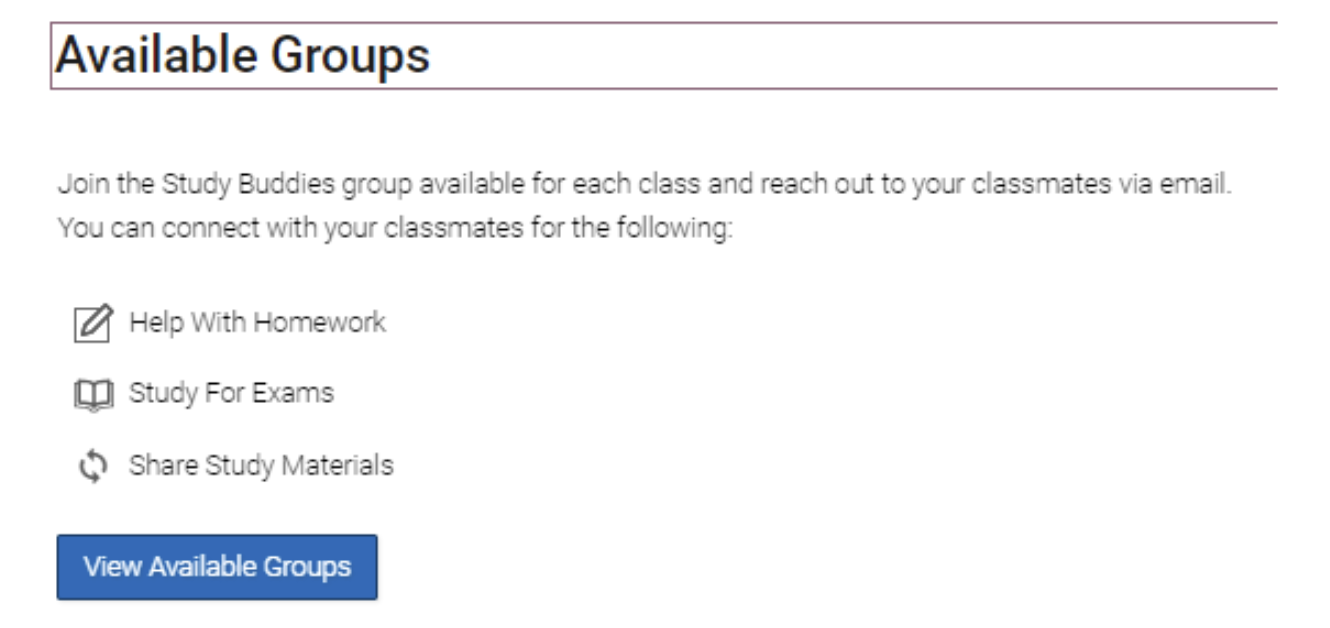
4. Click on “View Available Groups” to see your options for each class. You will see each of your classes listed as well as the option to “Join” available study groups.

5. You will be asked to confirm that you would like to join the group of Study Buddies.
6. If you are the first person to join, you will have to wait for other students to join.
7. Once other students have joined, you can email them right from Navigate Student to determine when and how you will meet. You will see a green “Joined” icon in any of your groups.
Sample Email Message: Hi, Swoop! I’m in your Bio-116 class and saw in Navigate Student that you’re looking to join a study group. I’d love to get a study group together! I’m going to be studying in Armstrong by the coffee shop on Tuesday at 6 p.m. Let me know if you want to meet up then.
8. You can choose to leave the Study Buddies group at any time from Navigate Student.
Some Things to Consider
- How will your group communicate with each other and find a common meeting time?
- How frequently will your group meet?
- Will you meet virtually or in person?
- If you are meeting in person, consider a public space or Reserve a Study or Collaboration Space.
Other Tips for Success
- Most successful study groups are a manageable size of 3-5 students.
- Study sessions should be about an hour long, maybe more or less time depending on your class and group scheduling needs.
- Show up prepared with your notes, books, and any study materials.
- Come with questions if you have any.
- Be respectful of your peers’ time and do your best to stay on task and meet your goals for each meeting.
- Utilize your professor's office hours to ask questions.